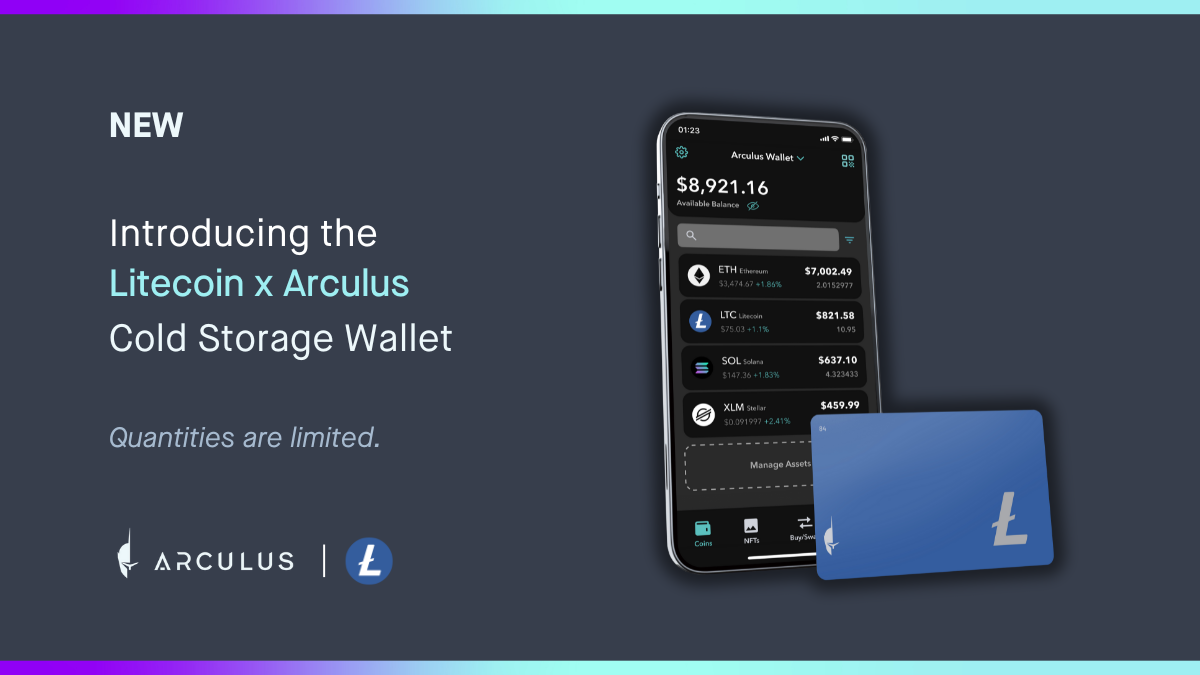
Let's Get Started.
Welcome to Web3
Your smart and simple crypto and NFT cold storage solution has arrived. To unlock the future of crypto security, set up your new Arculus® Cold Storage Wallet by following the simple guides below.


Set up your Arculus® Cold Storage Wallet in just 6 minutes

Getting Started Set-Up Guide
-

Add Custom Tokens
In addition to the list of officially supported coins, you can also add custom tokens to your wallet manually.
Learn More


Getting Started Videos Guides
-
How to set up your wallet (Supported Coins)

-
How to set up your wallet (Supported Coins)
-
How to set up your wallet (Supported Coins)
-
How to set up your wallet (Supported Coins)
-
How to set up your wallet (Supported Coins)
-
How to set up your wallet (Supported Coins)
Which coins, tokens and chains do you support?
At Arculus, we support over 95% of crypto assets by market capitalization. Our platform supports custom tokens on Ethereum (ETH), Polygon, and Binance Smart Chain, allowing users to add any token on these chains. This grants access to over 10,000 digital assets, ensuring a seamless, supportive environment for all your digital asset endeavors.

Getting Started Videos Guides
Have additional
questions?
Explore our product support hub to find answers and guides for more topics including tax documentation, account recovery, and more.